From Classroom to Career: Essential Software Skills for Creative Students
Apr 21 , 2026
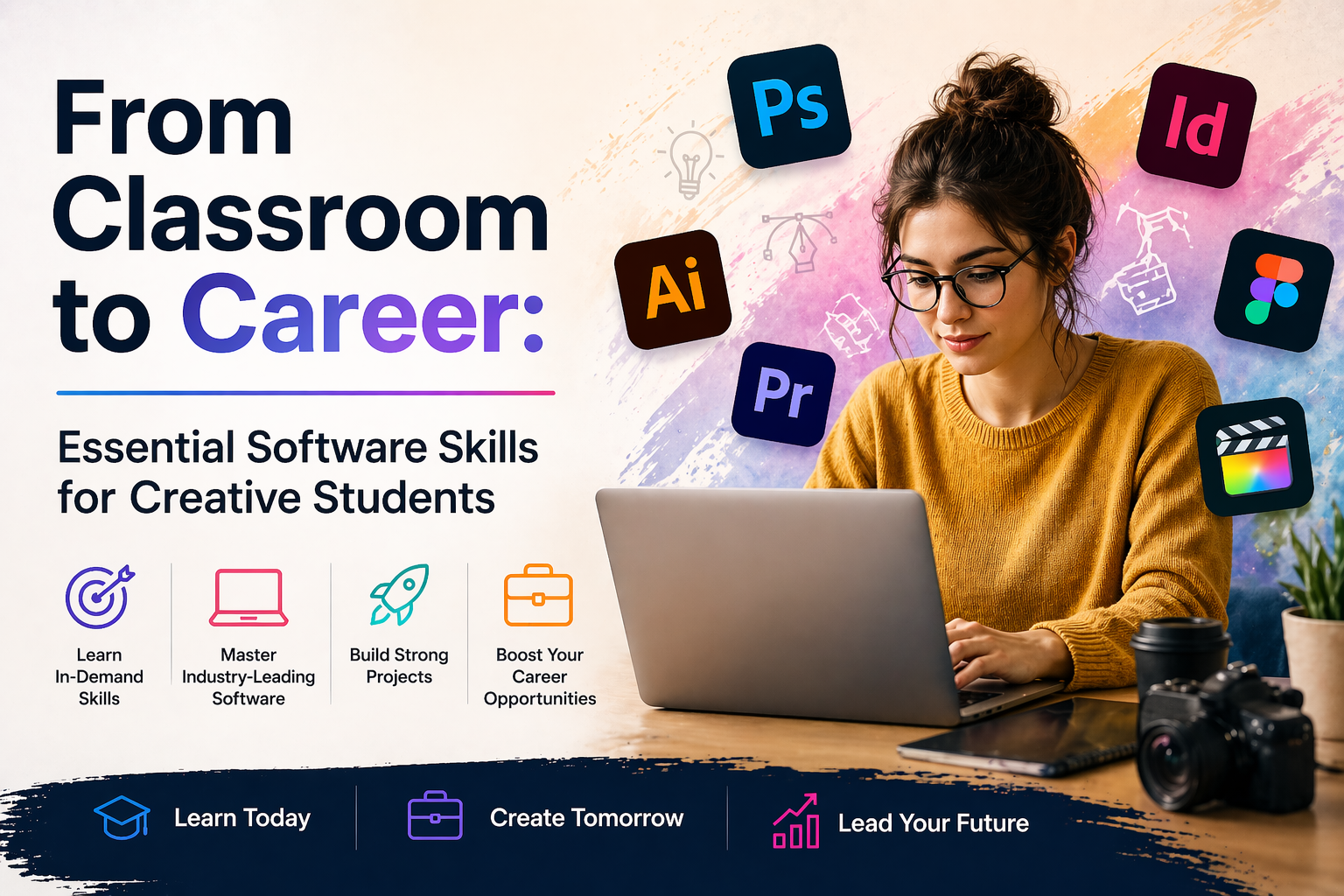
Art students are often advised to focus on building up a great portfolio, finding your style and thinking conceptually. But when you enter the workforce you quickly realise that talent can only take you so far. Job descriptions are littered with software prerequisites, internship applications want you to be technically proficient on day one, and employers expect you to be able to take an idea from conception to completion within a specific program.
There can often be a disconnect between what you learn in school and what’s actually used day-to-day in studios, agencies and in-house design teams. If you’re still fumbling through programs trying to remember shortcuts, file presets and export options while everyone else around you zips confidently from task-to-task, it can start to wear down your confidence.
Spending time to learn and master relevant software isn’t about hopping on the trend wagon. It’s about investing in your ability to get hired, becoming a stronger creative problem solver and making sure your ideas aren’t hindered by tech-insecurity.
Whether you want to go from feeling like a student to acing your interview or you’re ready to level up from junior to essential team member, these software skills will bring you up to speed.
Industry-Standard Design Platforms
If there’s anywhere to begin, it’s with the tools that are already commonly in use within an industry. Many students start off with Adobe Creative Cloud for students because it’s an affordable way to access Photoshop, Lightroom, Illustrator, or InDesign. If you’re already familiar with professional software, you’ll be ahead of the game from day dot.
Clients and companies almost always prefer tools and workflows they’re already familiar with. Some degree of confidence in these programs can make you stand out. You don’t have to be a pro at every feature. Work on the small but important tasks like editing images, creating clean layouts, and exporting files correctly.
The goal is to build familiarity. Once you know your way around and understand the structure of projects, you’ll be far less intimidated in the working world. This confidence is often more important than the technical ability itself.
Key benefits:
Aligns your skills with what employers already use.
Reduces onboarding time in your first role.
Builds technical confidence that supports your creativity.
Makes collaboration smoother within established workflows.
Video Editing And Motion Skills
These days, video is a must. Whether you’re in marketing, social media or content production, producing aesthetically appealing short videos is pretty much essential. Even just knowing the basics can get you hired.
Begin by learning how to cut and edit clips, add music, and create transitions between shots. Don't go overboard, just keep things simple. Remember, the goal isn't to become a pro filmmaker. Clean cuts, good timing, and clear stories are way more important than wild edits. A lot of beginners fall into the “over-editing trap” which can dilute and distract from your message.
It also helps if you understand how to resize videos for various platforms like Instagram, YouTube, and Facebook. When you can take one idea and make it work for every platform, it signals that you’re flexible and all about efficiency.
Key benefits:
Expands your versatility across digital platforms.
Makes you more competitive in content-driven industries.
Helps you communicate ideas through movement, not just static design.
Allows you to adapt one concept across multiple formats.
Presentation And Visual Communication Tools
If you want people to buy into your ideas, you have to know how to present them. Creatives spend a ton of time pitching to clients, managers, or their own teams. The ability to turn your thoughts into clear, visual projects is a skill people overlook, but it makes a huge difference.
PowerPoint, Keynote, or one of the newer online tools can help you explain things in a language people really understand. Remember, you’re not trying to impress with design. You’re just trying to communicate clearly.
Learning how to simplify complex ideas, organise slides, and tell stories through visuals will help your art direction and better communicate in meetings or pitches. This skill is often what helps junior creatives move up into leadership roles down the line. It builds trust, allows people to understand your thought process, and makes it easier to influence decisions in a professional setting.
Key benefits:
Strengthens your ability to pitch ideas clearly.
Builds trust with clients and senior team members.
Positions you for leadership opportunities over time.
Helps translate creative thinking into strategic value.
Basic Collaboration And Workflow Software
Beyond a group project here or there, you’re probably working alone 95% of the time in a classroom. In the office, just about everything is a team sport. Projects need feedback and revisions, and there are usually a few different deadlines to juggle at once.
This is where learning how to use collaboration tools will make your life infinitely easier. In the creative industry, sharing platforms, cloud storage, and project management software is used on a daily basis. It’s practically a way of life. Being able to organise files, track versions, and communicate changes can make you a lot easier to work with.
It’s not glamorous but reliability and organisation is worth a lot. When others trust that you’ll manage your work properly, they’re more likely to give you larger and more challenging tasks over time. It goes a long way in creating a good reputation that can open doors as your career begins to take shape.
Key benefits:
Makes you easier and more reliable to work with.
Reduces mistakes through organised file management.
Improves efficiency across teams and deadlines.
Builds a professional reputation early in your career.
Social Media And Content Management
Even if you have absolutely no plans of becoming a social media guru, having a basic understanding of content platforms is essential in the creative world. Many creative roles involve producing or adapting work for digital audiences, so if you’re totally unfamiliar with it, you’re doing yourself a huge disservice.
This ranges from understanding scheduling basics, content types, and performance metrics. You don’t need to learn everything about data and analytics. But understanding what works, why it works, and how people behave online is a huge advantage.
It’s a great way to build your personal portfolio as well. By sharing your work and tracking engagement, you’re getting real-world experience that employers can actually see instead of just taking your word for it.
Key benefits:
Connects creative work to real audience behaviour.
Adds measurable impact to your portfolio.
Demonstrates commercial awareness to employers.
Helps you build visible proof of your skills online.
Adaptability And Continuous Learning
The most helpful software skill isn't about one specific program. It's about being able to learn new tools quickly. Computer science changes all the time. The stuff you're learning now might not even be around in five years. That’s why you have to be able to adapt.
Stop trying to learn everything, and start building your confidence. Learn to sink your teeth into new programs, watch a ton of online tutorials, and have fun playing around with something new without worrying about making mistakes. This sort of thinking will allow you to stay relevant over the span of your career.
Employers value people who stay curious. Show them that and you’ll continue to grow even as the industry inevitably evolves.
Key benefits:
Keeps your skills relevant as technology evolves.
Makes learning new programs faster and less intimidating.
Shows employers you’re proactive and growth-oriented.
Future-proofs your creative career.
Translating Skills Into Employability
Understanding the programs behind your work is one thing. Demonstrating your ability to execute is something else entirely. Most employers want to see proof that you know how to use software in a professional environment. That’s code for organised, accessible case studies; clearly marked files; considered mock briefs; and work that comprehends the value of workflow alongside aesthetics.
Once you’re in that interview and you can articulately walk your prospective employer through your process (what programs you used to why you named your files a certain way; how you adjusted content to work on both web and social media) you’ll stand out from the other designer who only talks in buzzwords and abstract creative speak.
Here’s where technical confidence becomes career confidence. The arts and humanities students who understand how to marry their creativity with their process are the students who earn the trust of their employers from day one, and trust is everything.
Key benefits:
Turns technical ability into interview confidence.
Helps you present work with clarity and structure.
Differentiates you from candidates with similar portfolios.
Positions you as both creative and execution-ready.
The Real Bridge Between Study And Industry
No program will land you a job. No checklist will magically make you an industry-ready creative overnight. But if you build momentum by dedicating yourself to becoming technically confident alongside your artistic voice, you will set yourself apart.
Confidence is key. The students who excel aren’t always the most innately talented. They’re comfortable receiving feedback, opening the right software, problem-solving and delivering their ideas polished and on-time, without question. They know that the more technical skills you have under your belt, the fewer limitations you’ll face moving forward.
By thinking of the software as your partner in the creative process, not a barrier to your ideas, you’ll have an edge. Because when your opportunity comes (whether that be in an interview, on your first brief, or on the job) you’ll have ideas and the ability to execute them.
That’s what turns potential into momentum.